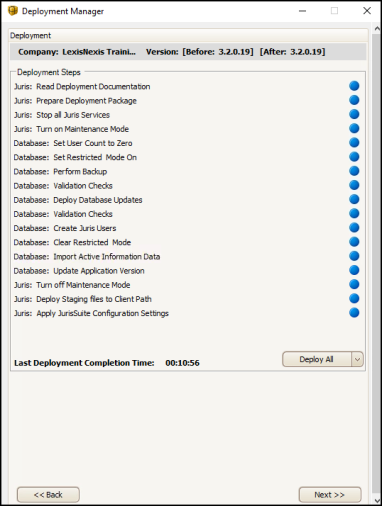
After you have configured the Deployment Manager, you are ready to deploy the software. A drop-down list gives you the options to Deploy Database, Deploy Files, or Deploy All.
It is generally best to select Deploy All to ensure that all components are updated properly.
| Setting | Description |
|---|---|
| Deploy Database | Used if you have multiple databases to deploy |
| Deploy Files | Copies the latest downloaded files to the updater service |
| Deploy All | Deploys the database and deploys the files on the updater service |